
San Mateo’s Rolling Arrest Log
The Sheriff CitizenRIMS arrests view from the San Mateo County Sheriff's Office is the official multi-day log. You can set Start and End dates and filter by first and last name. Results scroll below the form. The window rolls forward. Roughly 30 days of entries stay public. That suits a weekly blotter review, but not permanent research. Scope matters as much as dates here. Only Sheriff arrests appear. Other county agencies, juvenile cases, and sensitive records are excluded. Entries also wait on a sergeant's review. The log can grow after the day of an arrest, and it never amounts to a full roll of arrests across San Mateo County.
Read San Mateo’s Booking Blotter
Set the date window on purpose. A wide span does more than repeat a same-day check. It can surface an entry that cleared review later, separate several arrests tied to similar names, and preserve enough context to request the right record from an agency or court. Think in days, not hours.
- Choose a Start date several days before the event and an End date after it. Include the next business day when a weekend or holiday may affect review.
- Add the person’s first and last name if known. For a broad time review, scan the date and time on each result.
- Read “action taken” before assuming jail custody. A summons or citation does not establish an overnight stay.
- Save the case number and charge text, then use the court index for later filing and disposition information.
- Check the inmate locator only for present custody. A released person can disappear there while an arrest record remains elsewhere.
The CitizenRIMS landing page is the official gateway for the Sheriff’s public data tools.
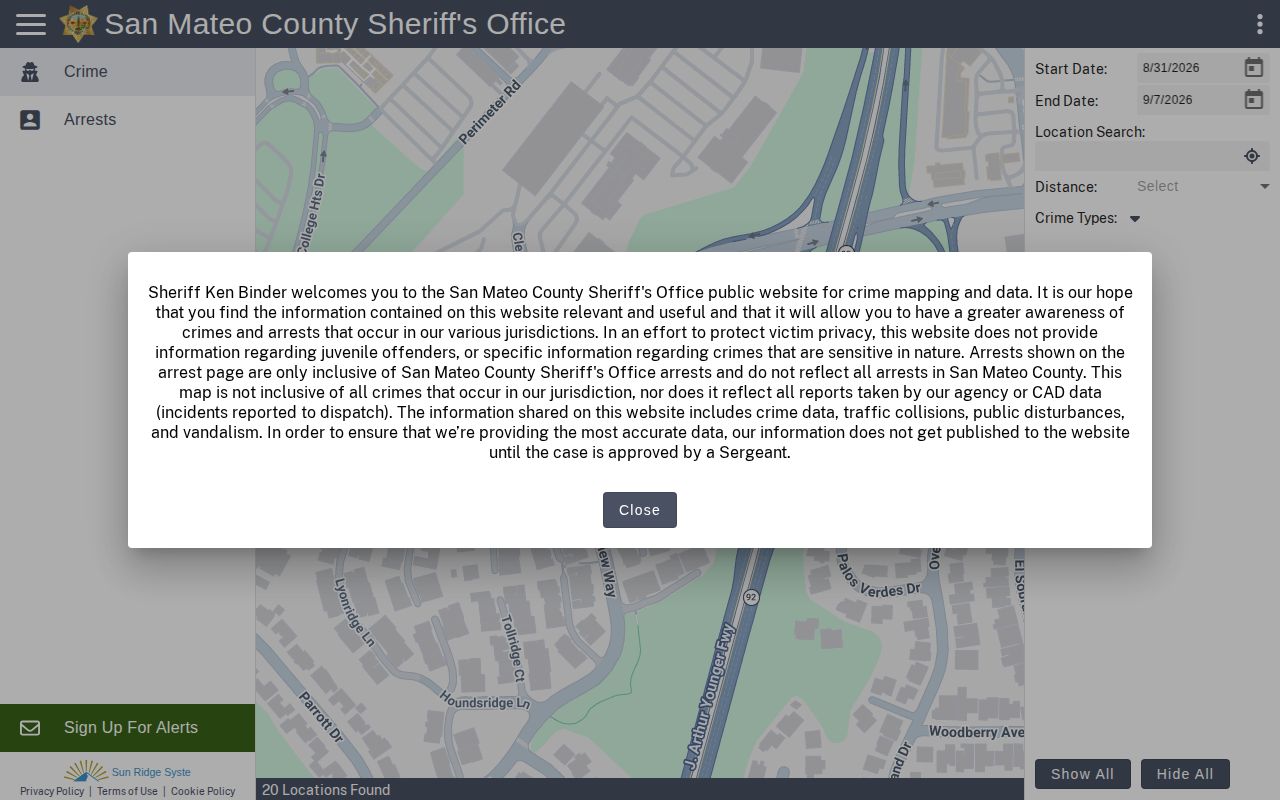
The county's booking blotter portal displays live filters and results. Records update continuously. Check the official page directly for current San Mateo arrest listings.
San Mateo Arrest Log Fields
Each entry is arrest data, not a booking packet. The same page holds no current custody record or final court file. A visible description helps tell similar names apart. The case number is the thread to trace an official outcome later.
| Log field | Meaning and limit |
|---|---|
| Name and age | Displayed identity fields; date of birth is not enabled. |
| Physical details | Sex, race, height, weight, hair, eyes, and occupation when available. |
| Arrest event | Date, time, block-level place, and action taken. |
| Case and charges | Case number plus charge codes and descriptions, which remain charges. |
| Photograph | Photos are disabled in the current public configuration. |
No incident number appears. Neither does a date of birth. The San Mateo portal also keeps booking photos out of public view. Filling those gaps from an unverified private copy invites errors. The San Mateo County recent-arrest hub lays out the official routes. Custody status, records, and photo requests all sit there.
San Mateo Police Report Sources
San Mateo County offers other log-like publications. The Sheriff News Room sorts press logs into North County, Coast, and South County products. The San Mateo Daily Journal local section runs recurring police reports. The Almanac Public Safety page covers selected mid-Peninsula incidents. None of these is a booking feed. Editors pick what runs. A story may add a narrative, an agency statement, or a scene photo, yet skip other San Mateo arrests from the same period. News photos are not booking photos. The Patch San Mateo crime and safety section offers another story-based, unofficial source.
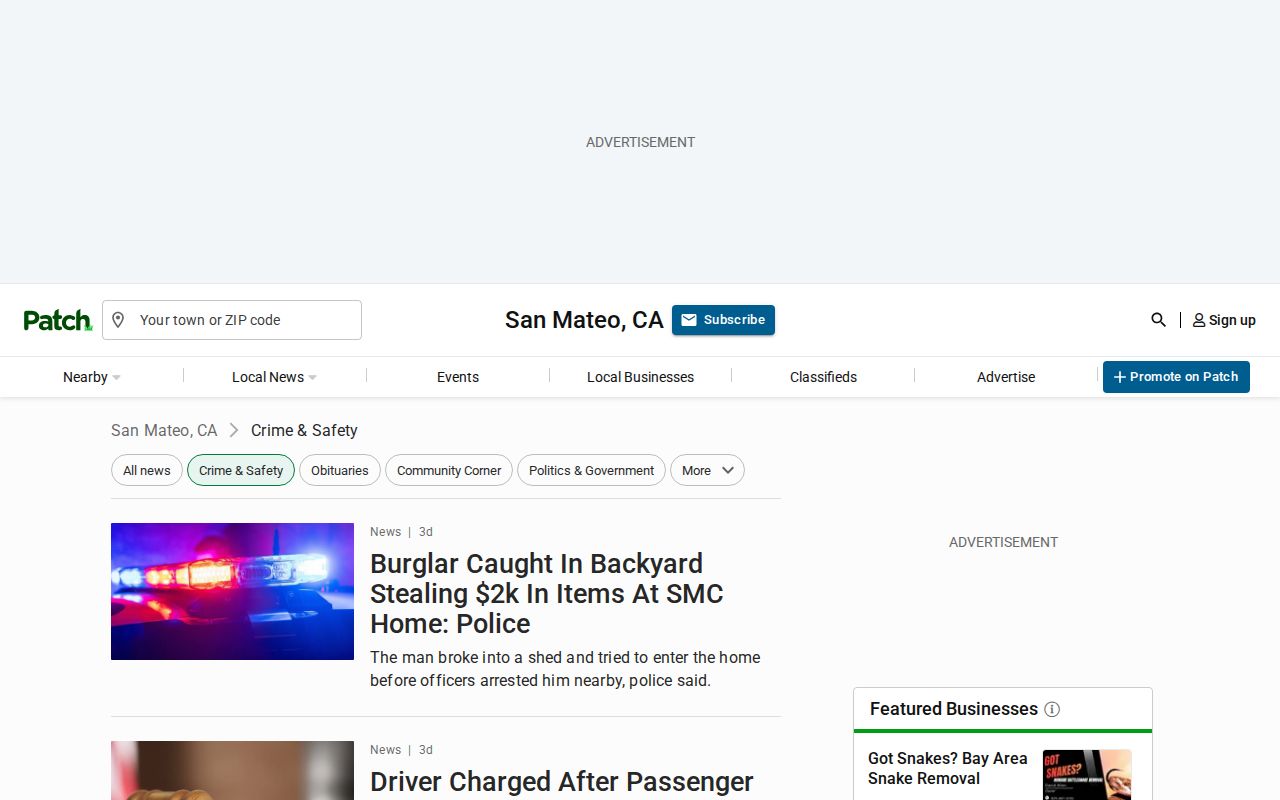
Selective reporting is the pattern with news sources. A story covers one incident, not the full record. Check the Sheriff, the city police, and the court before treating any headline as a blotter. San Mateo County booking data lives elsewhere.
County Log Versus City Records
CitizenRIMS misses plenty of city work. San Mateo Police handles its own press releases. Daly City publishes a Crime Newsletter, community news rather than a daily booking roster. Redwood City offers a public safety dashboard. Its Records Unit handles record requests there. A city arrest can still lead to county jail custody without showing up as a Sheriff arrest in CitizenRIMS. Ask in the right place. The city police agency holds the incident report, the county locator shows current custody, and the Superior Court carries the filed case. Note: A missing CitizenRIMS entry does not rule out a city police arrest, a withheld case, or a record still awaiting review.
Redwood City Arrest Trends
Redwood City's official Public Safety Dashboard reports in aggregate, quarter by quarter. It shows trends, not names. No daily arrest log lives there. That makes it strong for broad police-activity questions. It is weak for confirming whether one person was booked. Do not merge the two sources into one number stream. CitizenRIMS lists reviewed Sheriff arrests inside its rolling window, while the dashboard summarizes Redwood City activity. Apparent totals do not compare. Agency, time frame, and unit of measure all differ, so read each definition before comparing numbers.
Older San Mateo Arrest Records
A 30-day age-out on the public web does not mean the record is destroyed. San Mateo County's CitizenRIMS setup works that way. Behind the scenes, the Sheriff's corrections division treats shift reports as permanent facility records. Those daily logs capture bookings, releases, head counts, and inmate movement. Still, that permanence applies to internal files, not to what the public can view online.
Older arrests call for a different route. Go straight to the Sheriff Records Bureau with a California Public Records Act request. Be specific about the record series, the retention rule, and whether anything was transferred or destroyed. The Sheriff request page carries the form you need. The bureau sits at 330 Bradford Street, Redwood City, CA 94063, and answers the phone at (650) 363-4525.
Courts can fill in what the arrest log no longer shows. Search the MIDX case index or Odyssey for a later, non-confidential case. A complaint, dismissal, plea, or sentence may appear there once the booking entry has aged out. Sealed and protected cases stay off limits. For same-day questions, 24 Hour Arrests is the better fit. The fuller log suits slower, multi-day review rather than instant intake checks.
Unofficial San Mateo Arrest Archives
Leave private archives for last. RecentlyBooked keeps a San Mateo County page. Local Crime News runs one for the Sheriff's office. Mugshots.com holds an older county index. Every one of these is unofficial, so an entry can sit stale, incomplete, mismatched, or missing a later court outcome, and none of them proves anyone is in custody now. The Local Crime News Sheriff page republishes arrest data pulled from outside government sources.
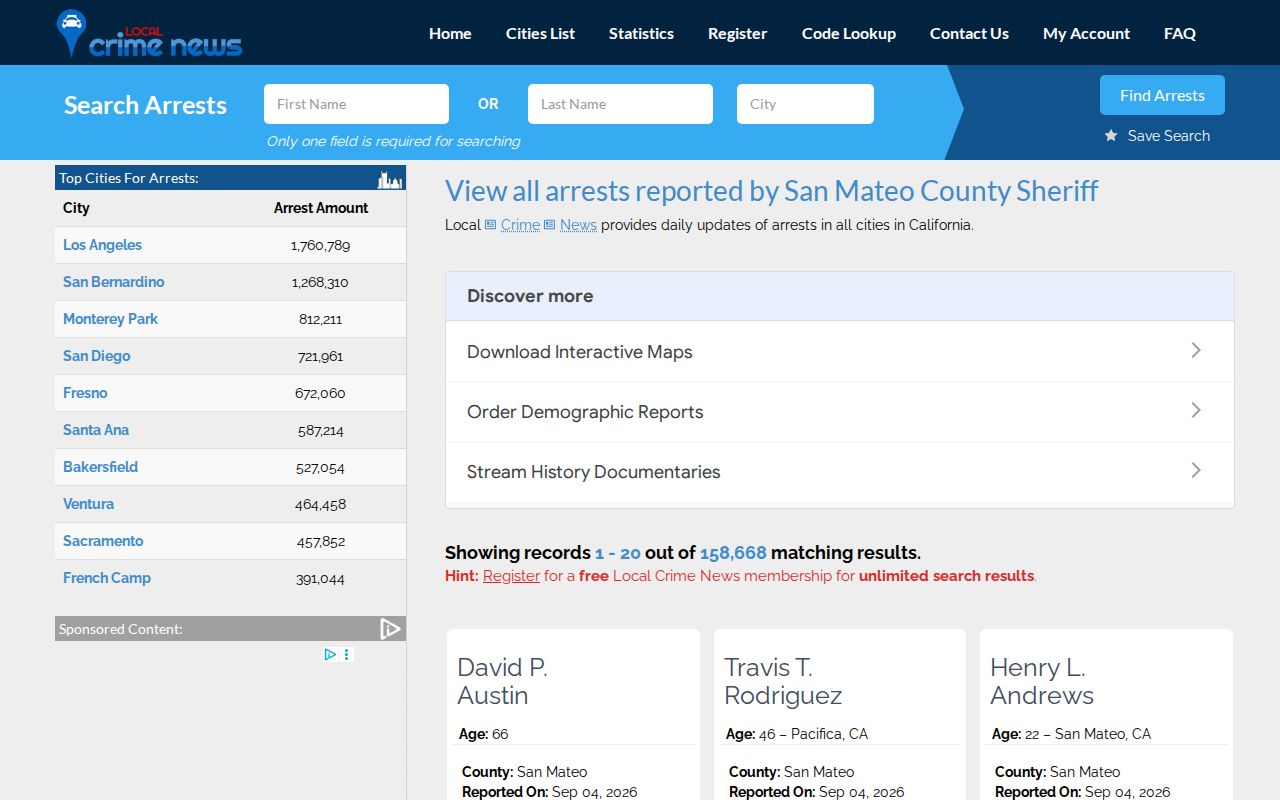
Treat that page as a tip sheet, not an official roster. Verify any clue against an agency record. Then follow the court case through to its end.