
San Mateo County VINE Coverage
The San Mateo County Inmate Locator is the best local starting point. It points users to California VINE for custody-status changes and criminal-case information. So the county itself treats VINE as part of the official verification path. There is no separate San Mateo SAVIN brand. The county does not promise that every jail event reaches VINE at once.
California VINE is free and anonymous. It searches one person and sends custody-change alerts. It is not a browse-all roster. It is not an arrest history, a court-disposition database, or a booking-photo service. County public material lists no facility-by-facility data schedule. So the live screen controls the facility label and alert types on offer. The California VINE state page is the official destination linked from the county locator.
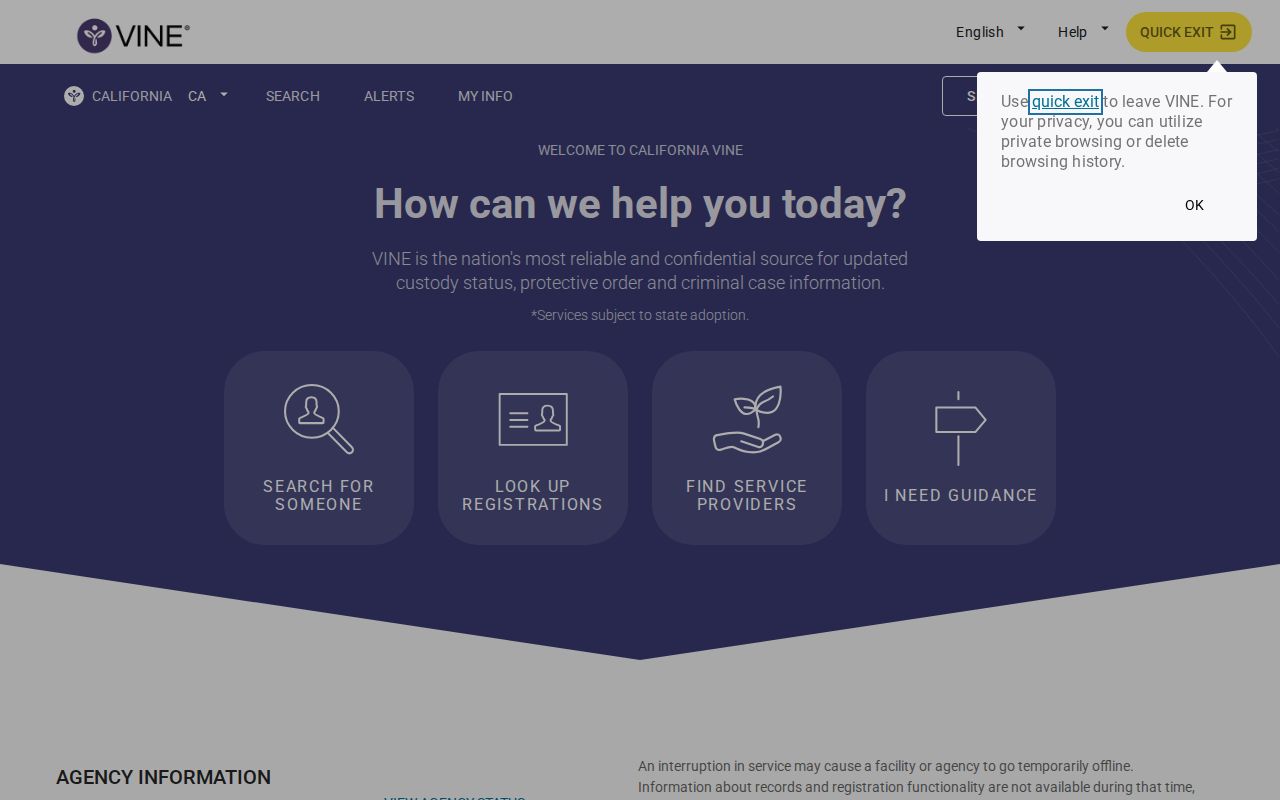
The screen names the state service. Results and registration choices live inside its interactive application. Those can change at any time. Check the live interface for what San Mateo County currently offers.
Check a San Mateo Arrest
Start with exact details whenever you can. A common name may return several people in the San Mateo County system. One small spelling difference can hide the match you want. Compare only the identifiers the live service provides. Never assume a similar name is the same person after an arrest.
- Open California VINE and choose the current statewide or all-other-counties path offered by the interface.
- Select the relevant county or facility label for San Mateo County custody.
- Search by the person’s exact or likely name. Use an offender or booking identifier when one is available and the screen accepts it.
- Review possible matches carefully. Compare status, facility, and identifiers before opening a record.
- Read the current custody result, then use registration if notifications are offered for that record.
No match on VINE? Go back to the Sheriff inmate locator. It asks for a first and last name. A middle name, gender, or phonetic spelling can narrow the results. A missing result can mean lag, release, transfer, a data mismatch, or a public-access limit. It does not prove that no San Mateo arrest occurred.
San Mateo VINELink Result Fields
The live interface controls which result fields appear. Official California county instructions document the expected pattern. San Mateo County's referral supports the service. It does not guarantee that every listed field or event is switched on for every local record.
| Result item | How to read it |
|---|---|
| Person or offender | The matched identity or identifier; compare it with known facts. |
| Custody status | The status most recently supplied to VINE, not a full arrest history. |
| Facility or agency | The reported custody location or responsible agency at that stage. |
| Notification choice | The events and delivery methods currently offered for that record. |
| Status change | Release, transfer, escape, return to custody, or advance-release notice may be available. |
Read a status message as a notification record. It is not a court judgment of any kind. It will not say whether a charge was filed, reduced, dismissed, or resolved. A San Mateo arrest entry only reflects custody at that moment.
Register San Mateo Custody Alerts
Registration follows whatever options appear for the selected person. Generic California VINE guidance lists phone, email, text, or TTY notification, depending on the interface. Treat those as possible channels. No single one is guaranteed for a San Mateo result.
- Open the verified custody record and select its registration or notification control.
- Choose a delivery method currently shown, such as phone, email, or text.
- Enter the requested destination and create the four-digit personal identification number, or PIN.
- Follow the current confirmation steps and save the PIN in a secure place.
- Keep the message details until any custody change has been checked with the responsible agency.
The PIN confirms that the recipient understands a phone notice and can manage the registration. Official California counties describe the statewide VINE service as operating around the clock. It is reachable at (877) 411-5588. The service itself is free, though carrier charges depend on the user's plan. The Mariposa County California VINE instructions document the statewide registration pattern.
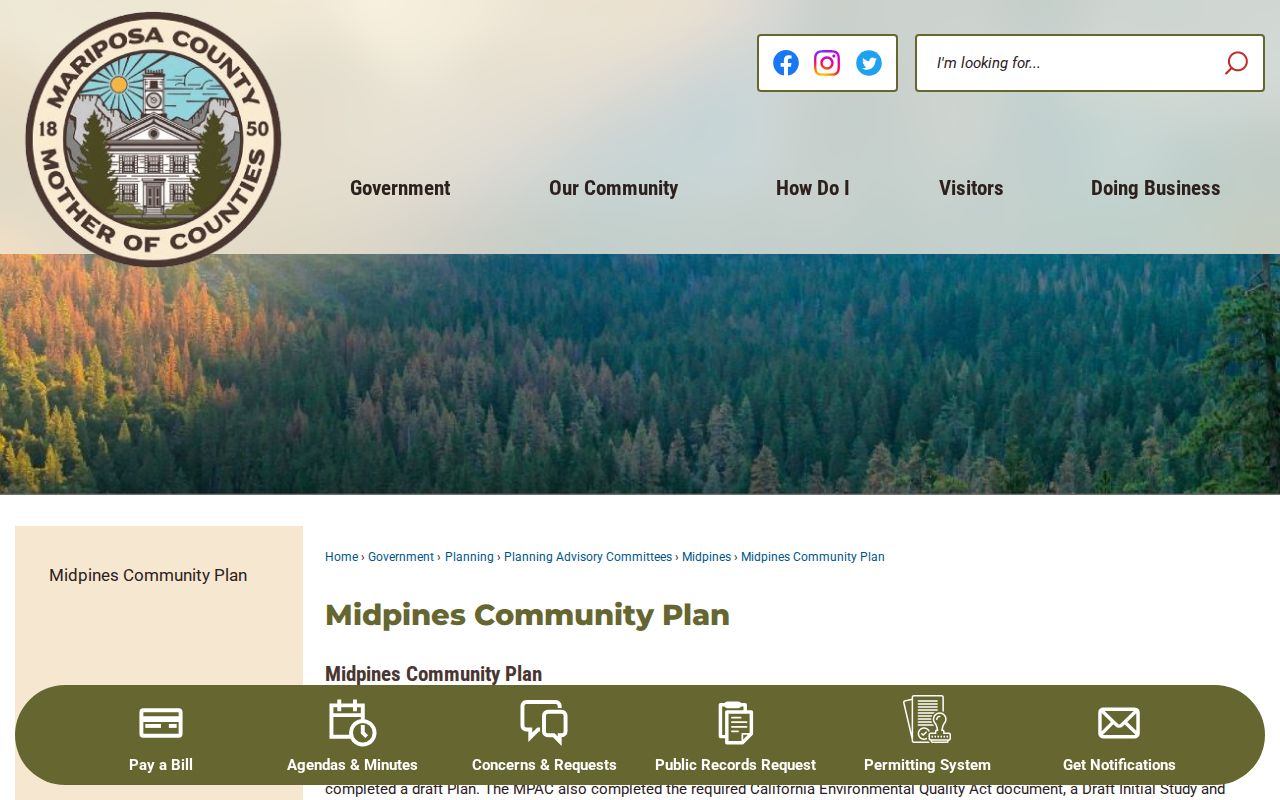
That official California guidance explains common VINE mechanics. San Mateo County users should still follow the current state interface. It displays the options that actually apply. Registration steps may differ from the general outline.
County Locator to VINELink
San Mateo County's direct referral stands out. The locator handles current county custody searching, then points outward to VINE for status-change registration. That division helps: confirm the person and county custody first. Then let the notification system watch for a change.
The inmate locator itself is name based. There is no browse-all jail roster, booking-number search, date search, or public photo gallery. The county describes its data as the most recent known information. That picture can change through the judicial process. Some records may not appear because of statutory restrictions. The official San Mateo custody search displays the county's direct VINE referral.
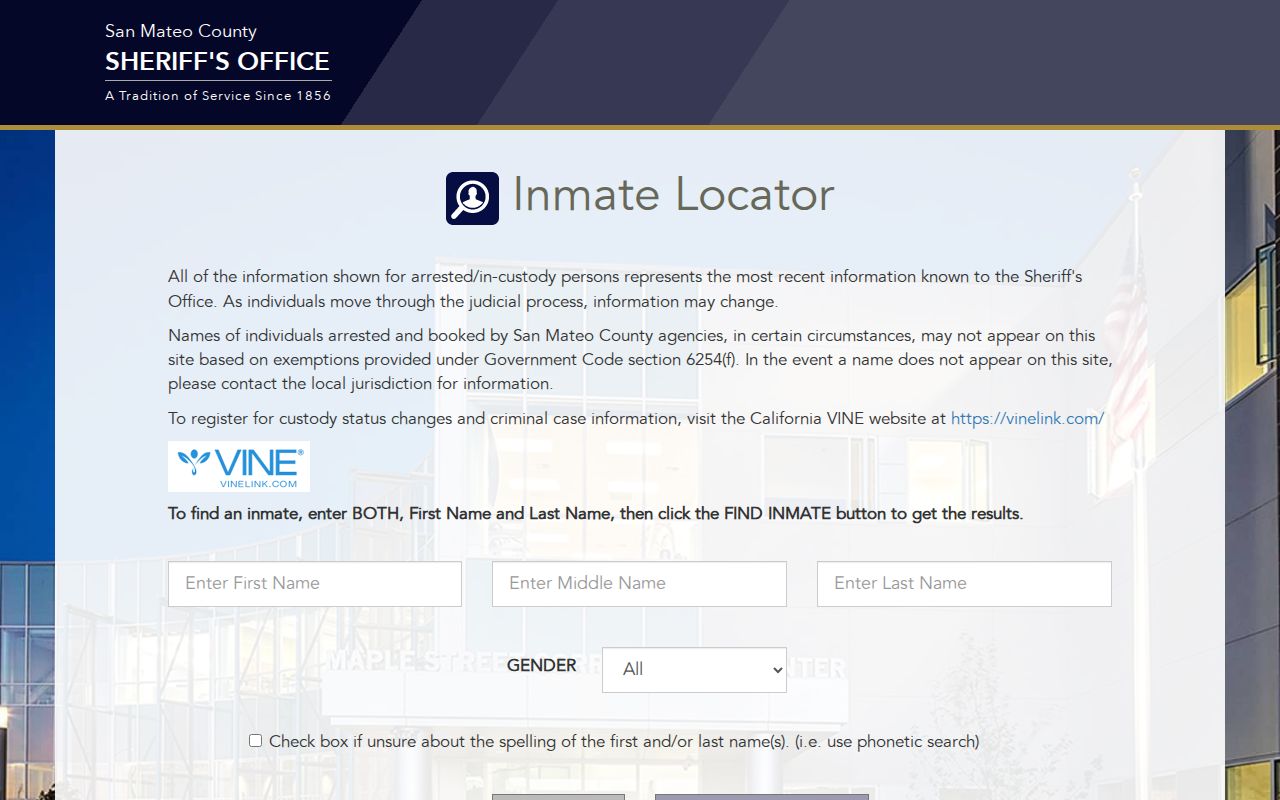
The image shows the local starting point that pairs with the California notification service. Use both together for a San Mateo arrest check. Note: Registration does not replace direct confirmation when a release, transfer, or court deadline requires prompt and exact information.
San Mateo Alert Types Differ
Three public alert channels serve different needs. CitizenRIMS can send daily or weekly email alerts for eligible portal data. Sheriff social accounts may post selected releases or safety notices. VINE remains the person-specific route for custody changes. None of the three promises coverage of every arrest, booking, charge, or photograph.
| Channel | Best use | Key limit |
|---|---|---|
| California VINE | One person’s release or transfer notifications | Depends on data supplied and current registration options |
| CitizenRIMS email | Daily or weekly portal-data alerts | Sheriff data only; not a jail app |
| Sheriff social media | Selected news and safety information | Not official notice or a complete booking feed |
The Sheriff's office lists no separate jail mobile application. CitizenRIMS is a responsive web portal. It is not a native custody app. The Sheriff's social-media disclaimer says posts are not emergency or legal notice. So social feeds should not replace a jail or VINE status check.
Verify San Mateo Custody Changes
VINE data can lag a fresh booking or transfer. For a recent San Mateo arrest, start with 24 Hour Arrests to see the Sheriff arrest view. Then use the inmate locator for current county custody. If the two differ, call the San Mateo County Sheriff's Office Records Bureau at (650) 363-4525 or ask the responsible facility.
San Mateo County Sheriff’s Office Records Bureau330 Bradford Street
Redwood City, CA 94063
(650) 363-4525
Custody can move out of San Mateo hands in three distinct ways. A federal sentence sends an inmate to the Federal Bureau of Prisons locator. That system tracks the population nationwide. ICE holds run through a separate detainee system of their own. When a transfer lands someone with the California Department of Corrections and Rehabilitation, county VINE alerts stop being the answer. The CDCR Victim Services process, OVSRS included, handles state-prison notifications instead.
VINELink Is Not Disposition
Knowing where a person sits in custody tells you nothing about how the case ends. VINE can log a release or transfer while court proceedings are still very much alive. Disposition is the later outcome. Dismissal, acquittal, plea, conviction, or sentence all count. Keeping those two questions apart matters. The San Mateo County recent-arrest hub splits custody records from court results. A booking photo answers one question, and a courtroom answers the other.
- Custody status
- The person’s reported placement or release state.
- Transfer
- A move between facilities or agencies.
- Disposition
- The court’s outcome, not the booking charge.
- PIN
- The four-digit code used to confirm and manage certain VINE registrations.
Case outcomes live in a different building entirely. The San Mateo Superior Court MIDX index searches non-confidential, non-sealed cases by case number, party name, or filing date. Just-arrested people may not appear. Paper takes time to file, and the index only shows what the court has docketed.